

My daughter got her Galaxy S26 last week. Within 24 hours, she had already downloaded three social apps I’d never heard of and was chatting with people I didn’t know.
That’s when I realized: I needed a way to keep an eye on her digital life—without hovering over her shoulder or taking her phone away.
Here’s what I found.
Twenty years ago, phones were just for calls and basic texts. Today’s smartphones—especially flagships like the Samsung Galaxy S26—are powerful computers that fit in your pocket. They handle communication, entertainment, schoolwork, banking, and even health tracking. They hold a wealth of information about our daily lives. For parents, this raises an important question: How do you keep your child safe in a world where so much happens behind a screen?
The Samsung Galaxy S26 series has arrived. It’s sleek. It’s powerful. And it’s exactly what many teenagers have been begging for. But with great power comes great responsibility—and that’s where remote monitoring comes in.
Why Would a Parent Need to Monitor Their Child’s Galaxy S26?
Let’s be clear: the goal here isn’t to snoop or invade privacy. It’s about protection.
The internet is a wonderful place, but it’s also full of risks—cyberbullying, online predators, inappropriate content, and excessive screen time. Kids and teens often lack the judgment to navigate these dangers on their own. As parents, it’s our job to guide them.
Using a parental control app on your child’s Galaxy S26 allows you to:
- Know their location – Ensure they’re safe after school or on their way to activities
- Monitor who they’re talking to – Identify potential red flags in messages and calls
- Limit screen time – Encourage healthier device habits
- Block harmful content – Prevent access to age-inappropriate websites and apps
- Stay informed – Get alerts when something concerning happens
And the best part? You can do all of this remotely—from your own phone, tablet, or computer.
Is It Legal to Monitor My Child’s Phone?
Yes—and here’s why.
As a parent, you have both the right and the responsibility to protect your child online. Monitoring your minor child’s device is widely recognized as a legal and essential part of modern parenting. Courts and regulators across the US, Europe, and many other regions have consistently affirmed parents’ authority to oversee their children’s digital activities.
However, the rules change when it comes to adults:
- Monitoring a spouse’s phone without consent is illegal in most countries
- Monitoring an employee’s personal device is illegal without proper disclosure
- Using monitoring tools for stalking or harassment is a crime
The bottom line: If you’re a parent monitoring your own child’s Galaxy S26 for legitimate safety reasons, you’re on solid legal ground.
Always check your local laws before using any monitoring tool.
A Better Approach: Talk to Your Kids First
Before you install any monitoring app, I strongly recommend having an honest conversation with your child. Here’s what that might sound like:
“I’m going to install a monitoring app on your phone. This isn’t because I don’t trust you—it’s because I love you and I want to keep you safe. I won’t be reading every single message, but I will check in from time to time to make sure you’re not talking to strangers or visiting dangerous sites. This is about protection, not control.”
When kids understand the “why” behind monitoring, they’re much more likely to accept it. It also builds a foundation of trust and transparency that will serve your relationship well in the years to come.
The Best Parental Control Solution for Galaxy S26
After extensive testing and research, one app consistently rises to the top for Samsung Galaxy S26 monitoring: mSpy.
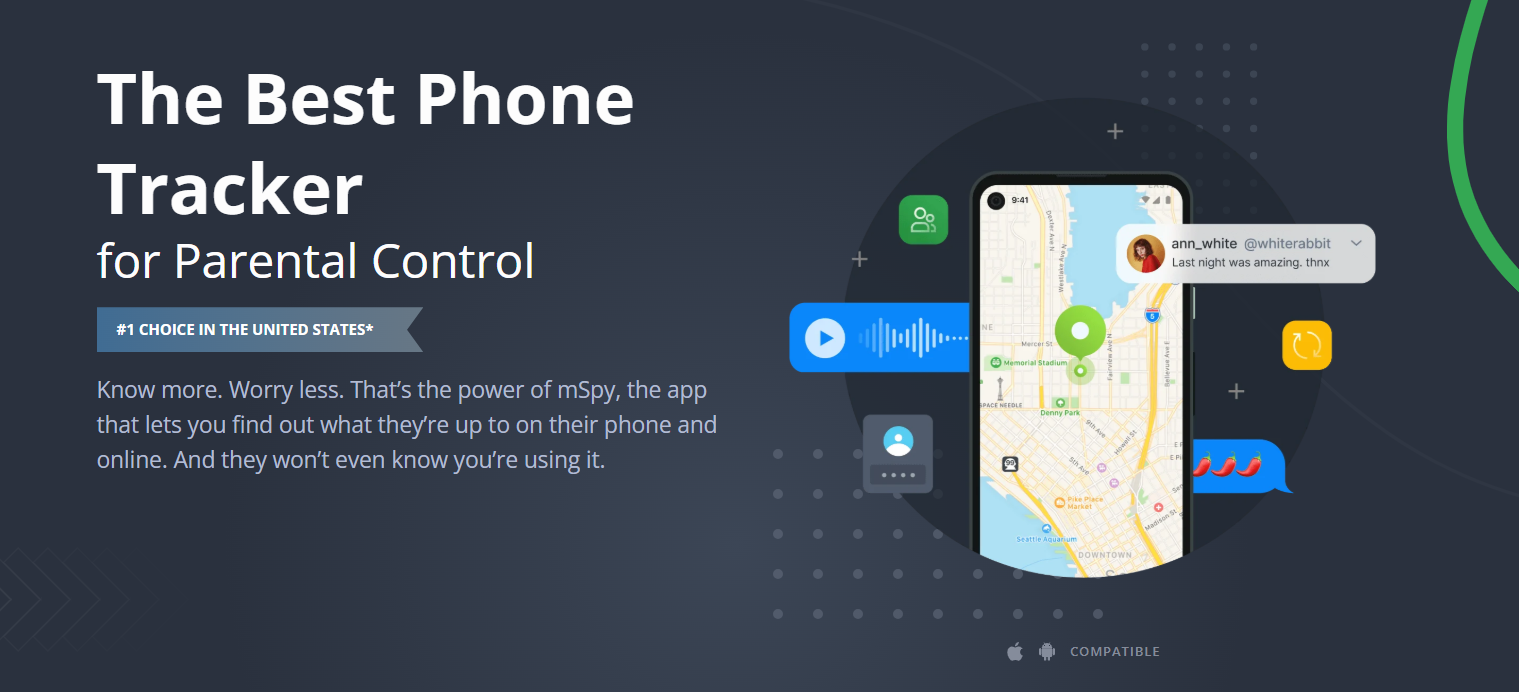
mSpy is a trusted parental control tool used by over a million people across 190+ countries. It’s designed to help parents keep their children safe—not to invade privacy or enable malicious behavior. The interface is clean, easy to use, and doesn’t require any technical expertise.
Not sure if mSpy is right for you? Another trusted option is Parentaler, which offers similar features at a slightly lower price point. Both work on Galaxy S26 without rooting and both offer free trials so you can test them before committing.
Key Features of mSpy for Galaxy S26
| Feature | What It Does |
|---|---|
| Social media & chat monitoring | Track messages on WhatsApp, Snapchat, Instagram, Facebook, Telegram, and more |
| Call logs | View incoming and outgoing calls with timestamps and durations |
| GPS location tracking | See real-time location and location history |
| Geofencing | Set safe zones and get alerts when your child leaves or enters them |
| Screen recorder | View exactly what’s happening on their screen in real time |
| Browser history | See which websites they’ve visited |
| App blocking | Restrict access to specific apps remotely |
| Screen time management | Set daily limits and schedule downtime |
| Email monitoring | View sent and received emails |
mSpy is designed to work discreetly, so your child won’t know they’re being monitored unless you choose to tell them—and as I mentioned above, we strongly recommend having an open conversation about it.
How Does It Work? Step-by-Step Setup
Setting up remote monitoring for your child’s Galaxy S26 is straightforward. Here’s how it works:
Step 1: Sign Up
Create an mSpy account using your email address. Choose a subscription plan that fits your needs.
Step 2: Install the App (5 Minutes)
You’ll need a few minutes of physical access to your child’s Galaxy S26 to install the monitoring app. The installation process is simple and guided by on-screen instructions. No rooting is required, which means your child’s warranty and Samsung Knox security remain fully intact.
Step 3: Start Monitoring
Once installed, log into your secure online dashboard from your own phone, tablet, or computer. All monitored data—messages, location, calls, and more—will appear there in real time.
That’s it. From that point forward, you can check in on your child’s digital activity whenever you need to—all from your own device.
Why Choose mSpy for Galaxy S26?
| Reason | Detail |
|---|---|
| No root required | Works without voiding the Samsung warranty or compromising Knox |
| Works on all S26 models | Compatible with Galaxy S26, S26+, and S26 Ultra |
| Supports iOS too | Also works on iPhones (including iPhone 17e) |
| Secure & private | All data is encrypted and protected |
| Cost-effective | 12-month subscription offers the best value |
| Easy to use | No technical skills needed—setup takes minutes |
| Risk-free | 14-day refund policy if you’re not satisfied |
Frequently Asked Questions
Q: Will my child know the app is installed?
A: mSpy operates discreetly—no icon, no notifications. However, we recommend telling your child about it openly.
Q: Does mSpy require rooting the Galaxy S26?
A: No. mSpy works on non-rooted devices, preserving the warranty and Samsung Knox security.
Q: Can I monitor my child’s Galaxy S26 from my own phone?
A: Yes. Once mSpy is installed on your child’s device, you can access all data from your own phone, tablet, or computer through a secure online dashboard.
Q: What if my child tries to uninstall the app?
A: mSpy includes tamper alerts—you’ll be notified if someone attempts to remove it.
Q: Will the app drain my child’s battery?
A: No. mSpy is optimized to run efficiently in the background with minimal battery impact.
Q: Is this legal?
A: Yes—for monitoring your own minor child’s device. Always check your local laws before use.
Q: Can I monitor multiple devices?
A: Yes. Depending on your plan, you can monitor multiple devices from a single dashboard.
Q: What if I need help?
A: mSpy offers email support, live chat, and optional phone/VIP assistance.
Final Thoughts
Every day your child spends online without supervision is a day they’re exposed to risks you can’t see. Cyberbullies. Online predators. Inappropriate content. These aren’t scare tactics—they’re real dangers that parents face in 2026.
The Samsung Galaxy S26 is an incredible device. For your child, it’s a window to the world—but that window opens both ways.
As a parent, you have the responsibility to guide your child through the digital landscape. Remote monitoring tools like mSpy give you the visibility you need to protect them without hovering over their shoulder.
The key is transparency. Talk to your kids. Explain why you’re using the app. And use it as a tool for safety, not surveillance.
Don’t wait until something goes wrong. Visit the official mSpy website, choose your plan, and start protecting your child’s Galaxy S26 today. Your family’s safety is worth it.



No responses yet