
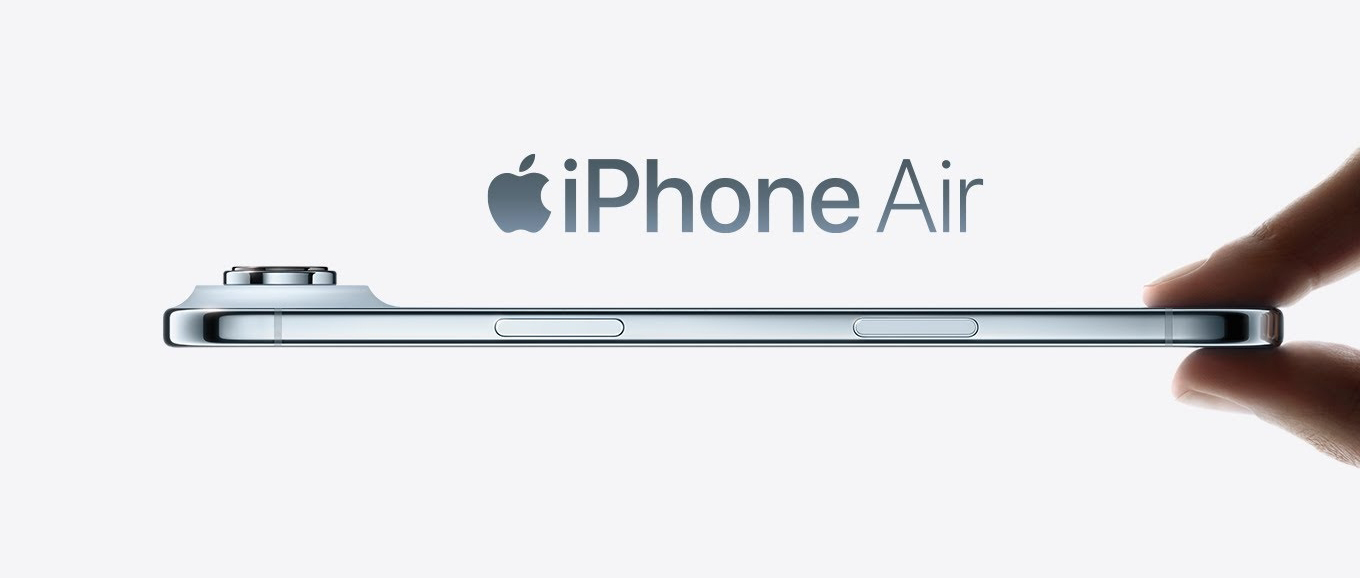
Summary: Learn how to spy on an iPhone Air without them knowing – no jailbreak, no app installation. mSpy lets you monitor calls, messages, social media, GPS, and more. 100% undetectable. Start now.
Smartphones have become an extension of our lives. Among the billions of users worldwide, iPhones remain one of the most trusted devices, known for their sleek design and user-friendly interface. But with great connectivity comes great concern—especially for parents, spouses, and employers who worry about what happens behind the screen.
“How can I monitor my child’s iPhone Air without them knowing?”
“Is it possible to track an iPhone Air without jailbreaking it?”
“Can I spy on an iPhone Air using just the phone number?”
If these questions sound familiar, you’re not alone. Thousands of people search for answers every day. The good news? Yes, it’s absolutely possible—and you don’t need to jailbreak the device or even touch it physically.
In this article, we’ll introduce you to mSpy—the leading monitoring solution that works seamlessly on iPhone Air (and all modern iOS devices). Best of all, it operates 100% invisibly, requires no jailbreak, and can be set up remotely using just the iCloud credentials of the target device.
Why You Might Need to Monitor an iPhone Air
There are many legitimate reasons to keep an eye on someone’s phone activity:
- Parents want to protect their children from online predators, cyberbullying, or inappropriate content.
- Spouses may have genuine concerns about infidelity or secretive behavior.
- Employers need to ensure company devices are used responsibly and not leaking sensitive data.
Whatever your situation, the key is to do it safely, legally, and without alerting the person being monitored. That’s where mSpy comes in.
The Myth: “You Must Jailbreak an iPhone Air to Spy on It”
Many people believe that to monitor an iPhone, you must first jailbreak it. This is a misconception.
Jailbreaking an iPhone Air is risky—it voids the warranty, exposes the device to security threats, and often leaves traces that a tech-savvy user can detect. Worse, it requires physical access to the phone, which increases the chances of getting caught.
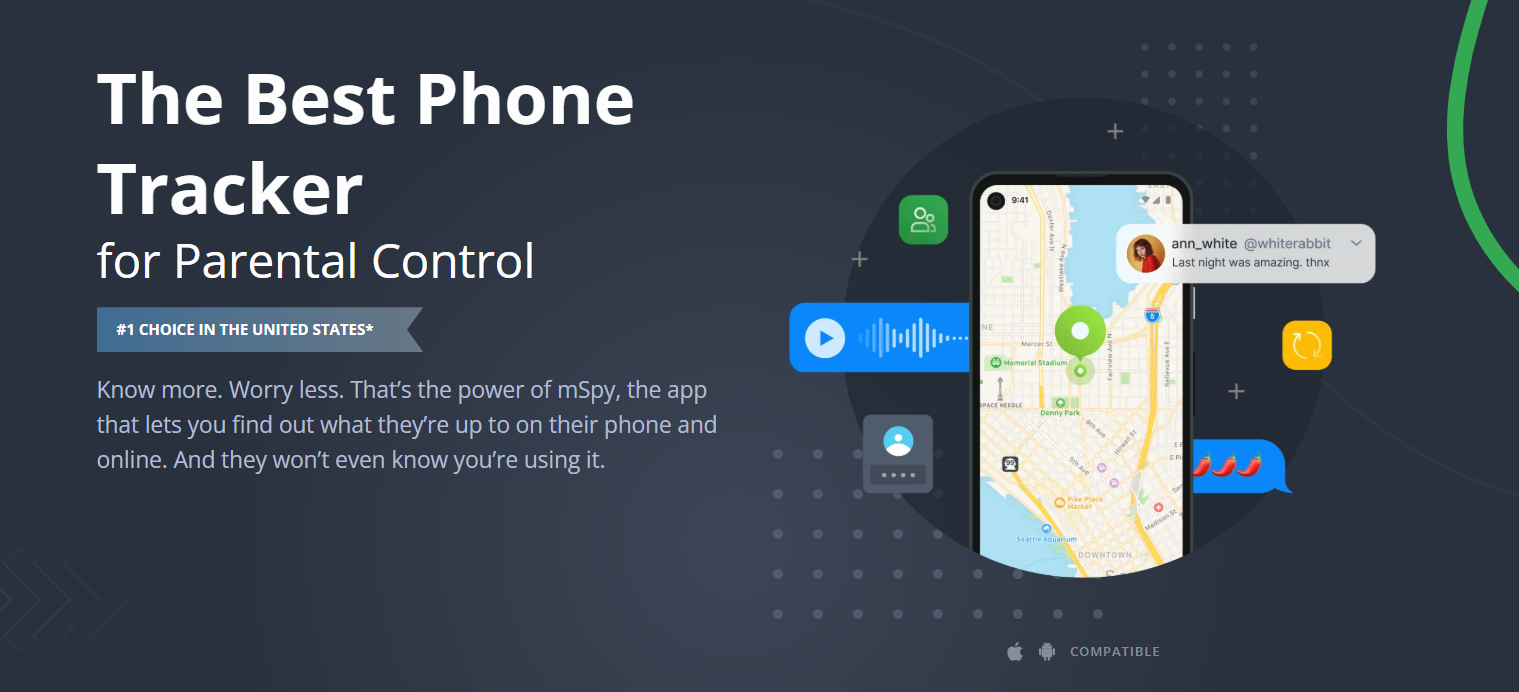
The truth is: With mSpy, you can monitor an iPhone Air without jailbreaking, without installing any app on the target phone, and without the user ever knowing.
Tip: Besides its core monitoring functions, mSpy also enables tracking via the iPhone Air owner’s phone number – and you can Try It For Free.
How Does mSpy Work on iPhone Air Without Jailbreak?
mSpy leverages Apple’s iCloud sync feature to retrieve data from the target iPhone Air. Since most users back up their iPhones to iCloud automatically, mSpy simply accesses that backup data and presents it to you in an easy-to-read online dashboard.
Here’s the best part:
- No app installation is required on the target iPhone Air.
- No icon appears on the home screen—so the user never suspects a thing.
- No jailbreak means the device remains secure and fully functional.
What Can mSpy Monitor on iPhone Air?
Once set up, mSpy gives you access to a wealth of data from the target device, including:
- Text messages (SMS & iMessage) – read both sent and received messages, even deleted ones
- Call logs – view all incoming, outgoing, and missed calls with timestamps and durations
- Contact list – see every saved contact on the device
- Social media activity – monitor WhatsApp, Snapchat, Instagram, Facebook Messenger, and more
- Browser history – check which websites have been visited and when
- Installed applications – see what apps are installed on the iPhone Air
- GPS location – track the device’s real-time location and view location history
- Photos & videos – access media stored on the device
- Emails – read incoming and outgoing emails
mSpy also offers advanced features such as:
- Keylogger – record every keystroke typed on the device
- Screen recording – capture live screen activity
- Geofencing – receive alerts when the device enters or leaves a specific area
- Keyword alerts – get notified when certain words are used in messages or searches
How to Set Up mSpy on iPhone Air (Step-by-Step)
Setting up mSpy is quick and straightforward. Follow these steps:
Step 1: Enable iCloud Backup on the Target iPhone Air
Make sure iCloud Backup is turned on. You can check this by going to:
Settings → [Apple ID] → iCloud → iCloud Backup → Turn On
This allows mSpy to sync and retrieve data from the device’s backups.
Step 2: Create Your mSpy Account
Visit the official mSpy website and sign up for a free account. Choose a subscription plan that fits your monitoring needs.
Step 3: Verify Your Email
After purchasing, you’ll receive an email from mSpy with your login credentials and setup instructions.
Step 4: Log In to the Dashboard
Access your mSpy control panel from any browser or mobile device.
Step 5: Enter the iCloud Credentials
In the dashboard, you’ll be prompted to enter the Apple ID and password of the target iPhone Air. Once entered, mSpy will begin syncing data from the iCloud backup.
Step 6: Start Monitoring
Within minutes, you’ll see the target device’s data populating your dashboard. You can monitor everything in real-time from your own phone, tablet, or computer.
Important: Is It Legal to Use mSpy?
Using monitoring software is legal under the following conditions:
- You are the owner of the device being monitored.
- You have explicit consent from the person using the device.
- You are a parent or legal guardian monitoring your minor child.
Always check your local laws before using any monitoring software. mSpy is intended for legitimate purposes only, such as child safety and employee monitoring with consent.
Why Choose mSpy Over Other Spy Apps?
There are dozens of spy apps on the market—but mSpy stands out for several reasons:
| Feature | mSpy |
|---|---|
| No jailbreak required | ✅ Yes |
| No app installation on target phone | ✅ Yes |
| Works 100% invisibly | ✅ Yes |
| Monitors 20+ social media apps | ✅ Yes |
| 24/7 customer support | ✅ Yes |
| Live demo available | ✅ Yes |
| Refund policy | ✅ Yes |
| Remote access from any device | ✅ Yes |
mSpy has been trusted by millions of users worldwide. It’s the #1 choice for parents, employers, and concerned individuals alike.
Frequently Asked Questions
Q1: Will the iPhone Air user know mSpy is installed?
A: No. Since no app is installed on the device, no icon appears. The monitoring is done entirely through iCloud sync, making it 100% undetectable.
Q2: Can I monitor an iPhone Air remotely?
A: Yes. Once you enter the iCloud credentials, you can access the dashboard from anywhere with an internet connection.
Q3: Is jailbreaking required for any features?
A: No. All standard monitoring features are available without jailbreaking. However, if you choose to jailbreak, mSpy offers even more advanced options (though not recommended for stealth purposes).
Q4: What if the target device has two-factor authentication (2FA) enabled?
A: You’ll need to enter the 2FA verification code when prompted. This usually requires brief physical access to the device to receive the code.
Q5: Can mSpy track GPS location?
A: Yes. mSpy provides real-time GPS location and location history for the iPhone Air.
Conclusion: Protect What Matters Most
In a digital age where threats hide behind every screen, monitoring tools are no longer a luxury—they’re a necessity. Whether you’re a parent wanting to shield your child from online dangers, a spouse seeking truth, or an employer protecting your business assets, mSpy offers a reliable, invisible, and easy-to-use solution.
Spying on an iPhone Air without them knowing is no longer a fantasy—it’s a reality with mSpy.
Take the first step today. Visit the official mSpy website, sign up, and gain the peace of mind you deserve—all without jailbreaking or touching the target device.



No responses yet