
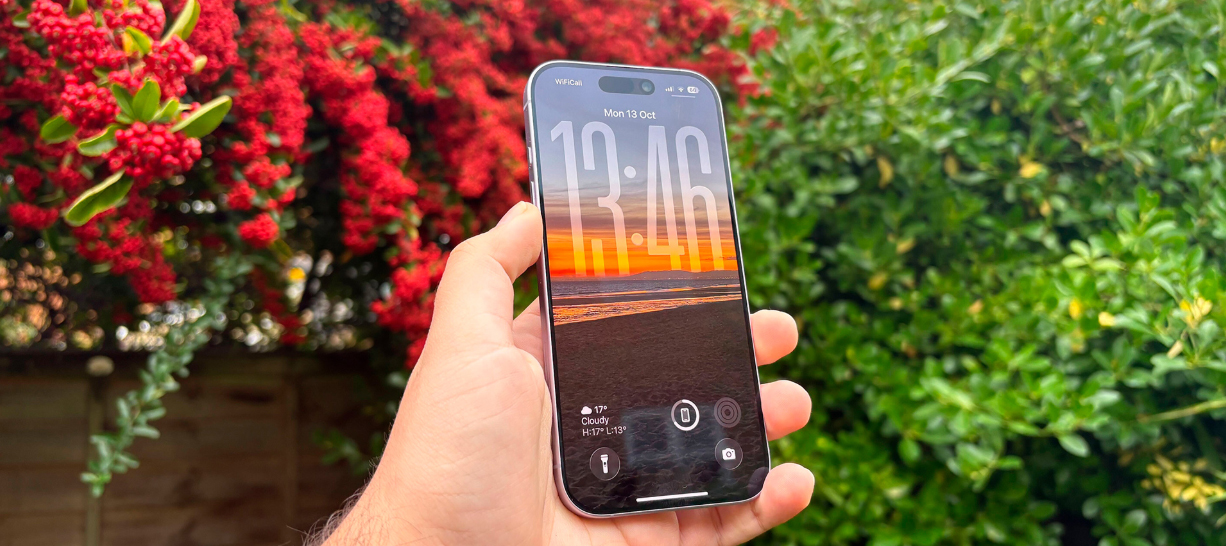
Summary: Worried about your child’s iPhone 17 activity? You don’t need an iPhone to keep tabs – even Android users can spy on iPhone 17 with the right monitoring software. This guide shows you how to set it up in minutes, read texts, see location, and stay informed without them ever knowing.
“I’m a parent who wants to keep my child safe online, but we’re on different mobile platforms. My child recently got the latest iPhone 17, while I personally use an Android phone. I know that Apple offers seamless family sharing and screen time controls when both devices are iPhones – features like app limits, content restrictions, and usage reports are built right into iOS. However, I’m not ready to give up my Android device and switch to an iPhone just for this purpose. So my question is: is there a way for me to monitor my child’s iPhone 17 activity using my Android phone? Are there third‑party monitoring apps or cross‑platform solutions that work effectively without needing an Apple device on my side? I’d love to know if this is technically possible, what the limitations are, and which tools I should consider.”
How to spy on an iPhone 17 without anyone knowing – and can you monitor it remotely without installing any software? mSpy is a powerful monitoring app for iPhone 17 that offers over 25 features. Once you install it on your kid’s iPhone 17, you’ll be able to see their WhatsApp messages, call logs, contacts, texts, browser history, GPS location, and just about everything else they do. In this guide, I’ll walk you through how to set it up and keep an eye on their activity – all without them finding out. Let’s dive in.
Back when the iPhone launched, people were obsessed with compact phones. But now, the iPhone 17 is the real deal – bigger screen, better camera, and way more power. It’s become incredibly popular, especially among teenagers, because it’s sleek, fast, and makes them feel connected to the world. The thing is, teens don’t always have the life experience to recognise online dangers. They fall for scams, get pressured into sharing too much, or spend hours on apps they shouldn’t. As parents, we worry – and we should. That’s why many of us start looking for a reliable spy app for iPhone 17 to give us some peace of mind without invading their privacy completely.
There’s also the cross‑platform question: what if you use an Android phone yourself? Good news – you can absolutely spy on iPhone 17 with an Android phone, as long as you have the right iCloud credentials. The monitoring software works through your online dashboard, so it doesn’t matter if you’re on iOS or Android.
So, what makes a great iPhone 17 spyware? First, it should run in stealth mode – no icon, no notifications. Second, it must give you access to messages, calls, social apps, and location. And third, it should be easy to set up, even if you’re not super tech‑savvy.
Best Monitoring App to Spy on iPhone 17
mSpy is a comprehensive monitoring application designed primarily for parental control. It allows you to oversee a child’s or employee’s phone activities from your own device, providing detailed insights into their digital life.
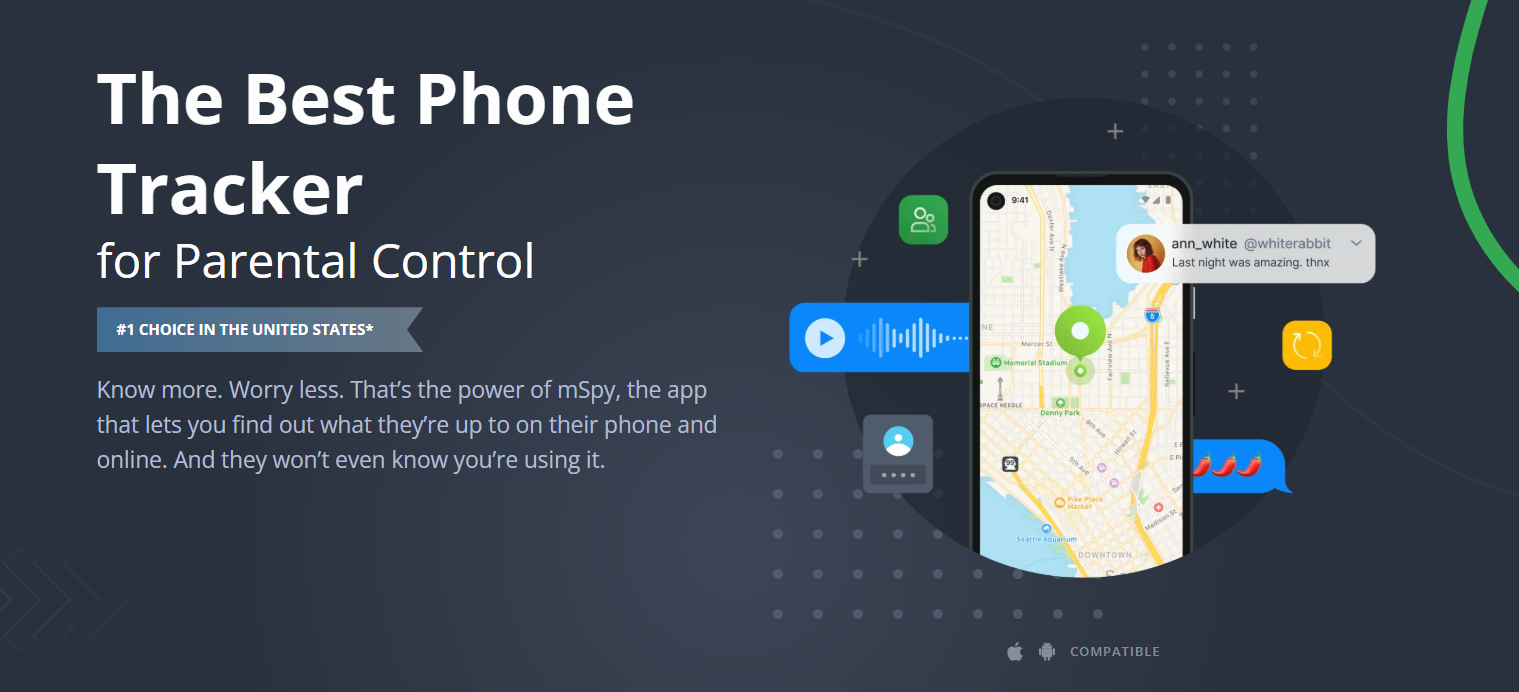
With a top‑rated monitoring app for iPhone 17, you can track everything from call history to app usage, all from your own phone or computer. Here’s what it typically lets you do:
- View all incoming/outgoing calls with timestamps and durations
- Read every SMS and iMessage – even deleted ones
- Track real‑time GPS location and view location history
- See browser history and block unsafe websites
- Monitor installed apps, including games and social media
- Work in complete stealth – the app stays hidden
- No jailbreak required for basic features (but for apps like Snapchat or Tinder, you may need to jailbreak)
iPhone 17 Monitoring Features
Here are the core tools you’ll get with this spy software for iPhone 17:
- GPS Location – Know where your child is at any moment, and get alerts when they enter or leave certain areas.
- Text Messages – Read every sent and received SMS, so you understand what’s on their mind.
- Call Logs – See who they’ve called, who called them, and how long each call lasted.
- WhatsApp – Access all WhatsApp conversations, including media shared.
- Browser History – Check which websites they visit and block inappropriate ones.
- Stealth Mode – The app runs quietly in the background, almost impossible to notice.
- Installed Apps – View a full list of apps on their iPhone 17, from games to social networks.
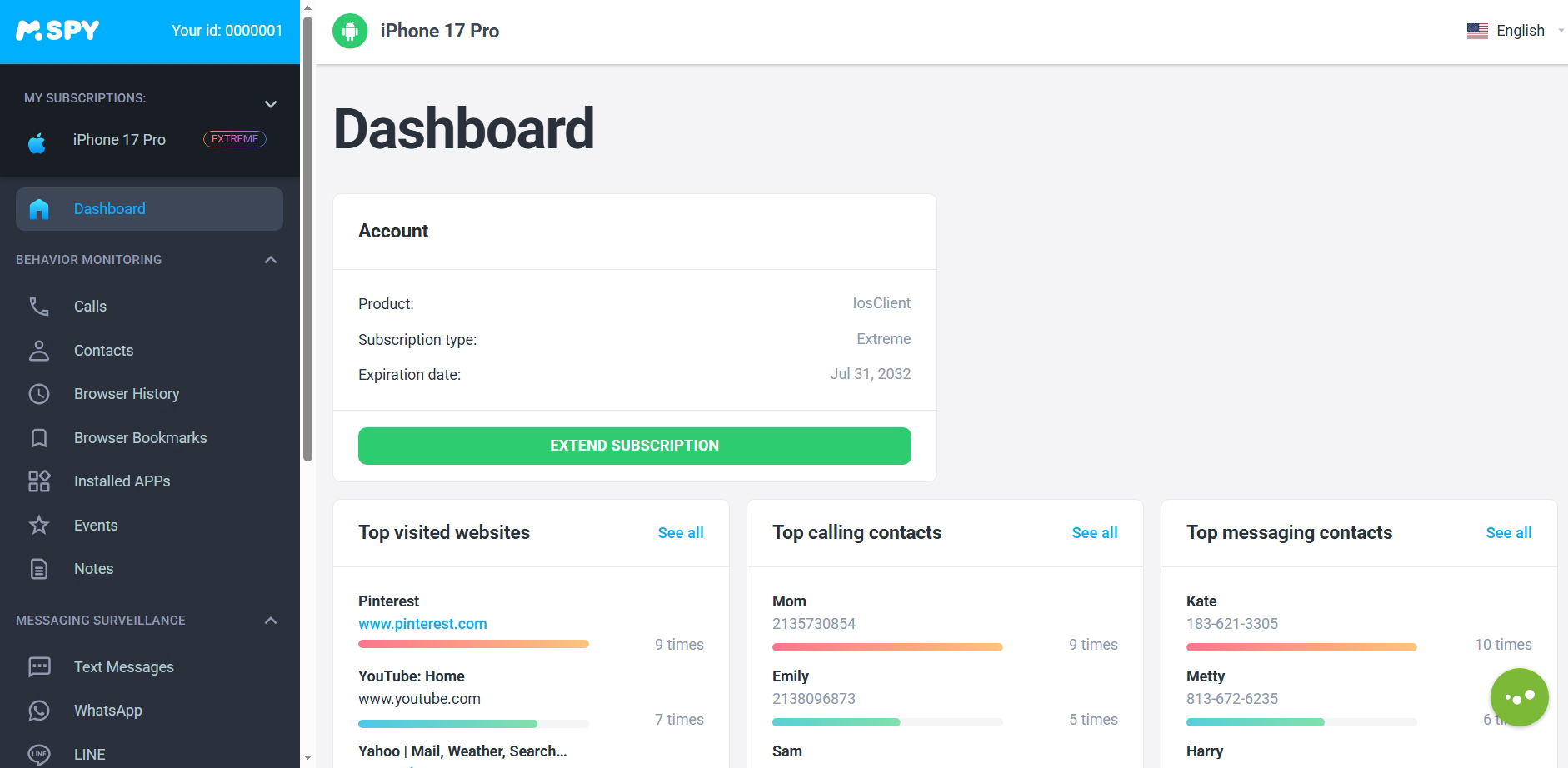
How to Set Up Monitoring on iPhone 17
It’s simpler than you think:
- Get iCloud credentials – You’ll need the Apple ID and password of the target iPhone 17 (make sure two‑factor authentication is turned off or you have access to the verification code).
- Purchase the monitoring plan – Choose the no‑jailbreak package, complete payment, and you’ll receive a welcome email with setup instructions.
- Start monitoring – Log in to your online control panel from any browser, and you’re ready to track activities in real time.
And yes – if you’re an Android user, you can still spy on iPhone 17 with an Android phone because everything is accessed via the web dashboard. No need to switch devices.
Why Choose This Spy App for iPhone 17?
- Protect your kids – Knowing what they’re exposed to online is the first step to keeping them safe. This app makes it easy and effective.
- Take control of their phone time – Too much freedom can lead to bad habits. You can restrict app usage and set screen time limits so they don’t stay up all night gaming.
- Know what to correct – Kids don’t always tell you what’s bothering them. With a solid iPhone 17 spyware tool, you’ll have a clearer picture of their world and can step in when needed.
iPhone 17 Specifications (at a glance)
While Apple hasn’t officially released all details, the iPhone 17 is expected to feature a large OLED display, the latest A‑series chip, improved battery life, and a powerful dual‑camera system – making it even more attractive to young users, and hence more important for parents to monitor.
Frequently Asked Questions
Do I need to jailbreak the iPhone 17?
No – for basic features like calls, texts, and GPS, you don’t need to jailbreak. Jailbreaking is risky and voids the warranty. Some advanced social app monitoring may require it, but our recommendation is to stick with the no‑jailbreak option unless you’re absolutely sure.
Do I need physical access to the iPhone 17?
Yes, you’ll need one‑time access to the device to enable iCloud sync and verify the credentials. After that, everything works remotely. For location and call logs, you don’t even need that initial access – just the iCloud details.
Can I really spy on iPhone 17 with an Android phone?
Absolutely – because the control panel is web‑based, any device with a browser works. So even if you’re an Android user, you can comfortably use this spy app for iPhone 17 without changing your own phone.
Final Thoughts
Choosing the right monitoring app for iPhone 17 comes down to your needs – basic tracking or full social media surveillance. The app we’ve covered here gives you a balanced, easy‑to‑use solution that works across platforms. Just remember to use it responsibly, with the child’s best interest in mind, and always comply with local privacy laws. Happy (and safe) monitoring!



No responses yet